
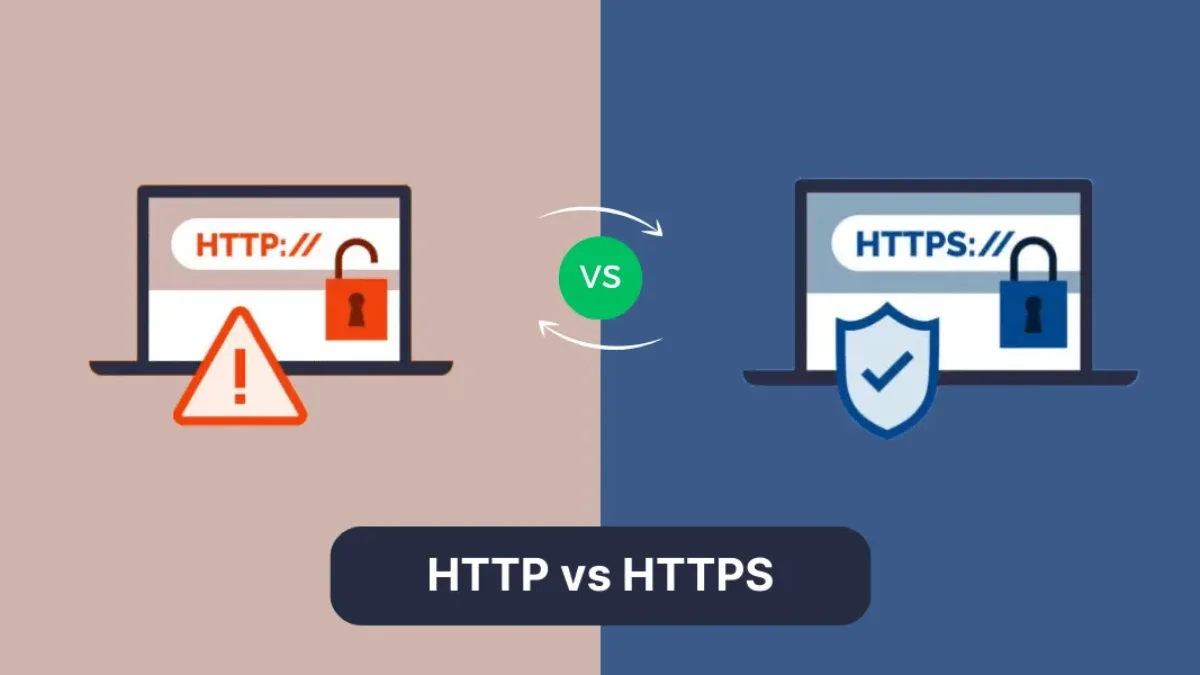
HTTP vs HTTPS:
The Main Difference
HTTP (Hypertext Transfer Protocol)
- Unencrypted data transfer
- Sends all data in plain text
- Uses port 80 by default
- Vulnerable to eavesdropping and tampering
HTTPS (Hypertext Transfer Protocol Secure)
- Encrypts all communication using TLS/SSL
- Protects data integrity and confidentiality
- Uses port 443 by default
- Verifies website authenticity
How HTTPS Protects Your Data
- Your browser requests the site’s SSL certificate
- The server proves its identity with a trusted certificate
- They establish an encrypted connection using TLS
- All data is scrambled during transmission
- The browser decrypts the data upon arrival
Common Myths Busted
How to Switch from HTTP to HTTPS
- Get an SSL (many hosts provide them automatically)
- Install and configure the SSL on your server
- Update all internal links to HTTPS
- Implement 301 redirects from HTTP to HTTPS
- Update your CDN and third-party services
- Test with tools like SSL Labs' SSL Test
Switching is easier than ever and the benefits to you and your visitors make
it one of the best things you can do to your online presence.